Technology

Accelerate tech innovation with a unified digital workplace

Tech companies run on dozens of tools, but work is still fragmented. Bring communication, tools, and workflows into one place so every team — from engineering to sales — spends less time switching and more time building.

Request a demo
Smiling man at computer with team chat, to-do list, new task notification, and time off approved note.
Reduce digital friction
Create a connected employee experience with a “digital front door” that unifies fragmented tools.
Put AI to work
Put AI to work
Get answers and complete tasks with AI embedded across your systems, not separate tools.
Maximize tool ROI
Maximize tool ROI
Get more value from existing tools by making them easier to access in one hub, without multiple logins.
Share knowledge
Share knowledge
Create communities of practice where developers and engineers can share documentation and expertise.
Scale without limits
Support rapid growth without replatforming, with multi-tenant governance built for scale.
Strengthen security
Strengthen security

Protect data with enterprise-grade security while simplifying access and permission governance.
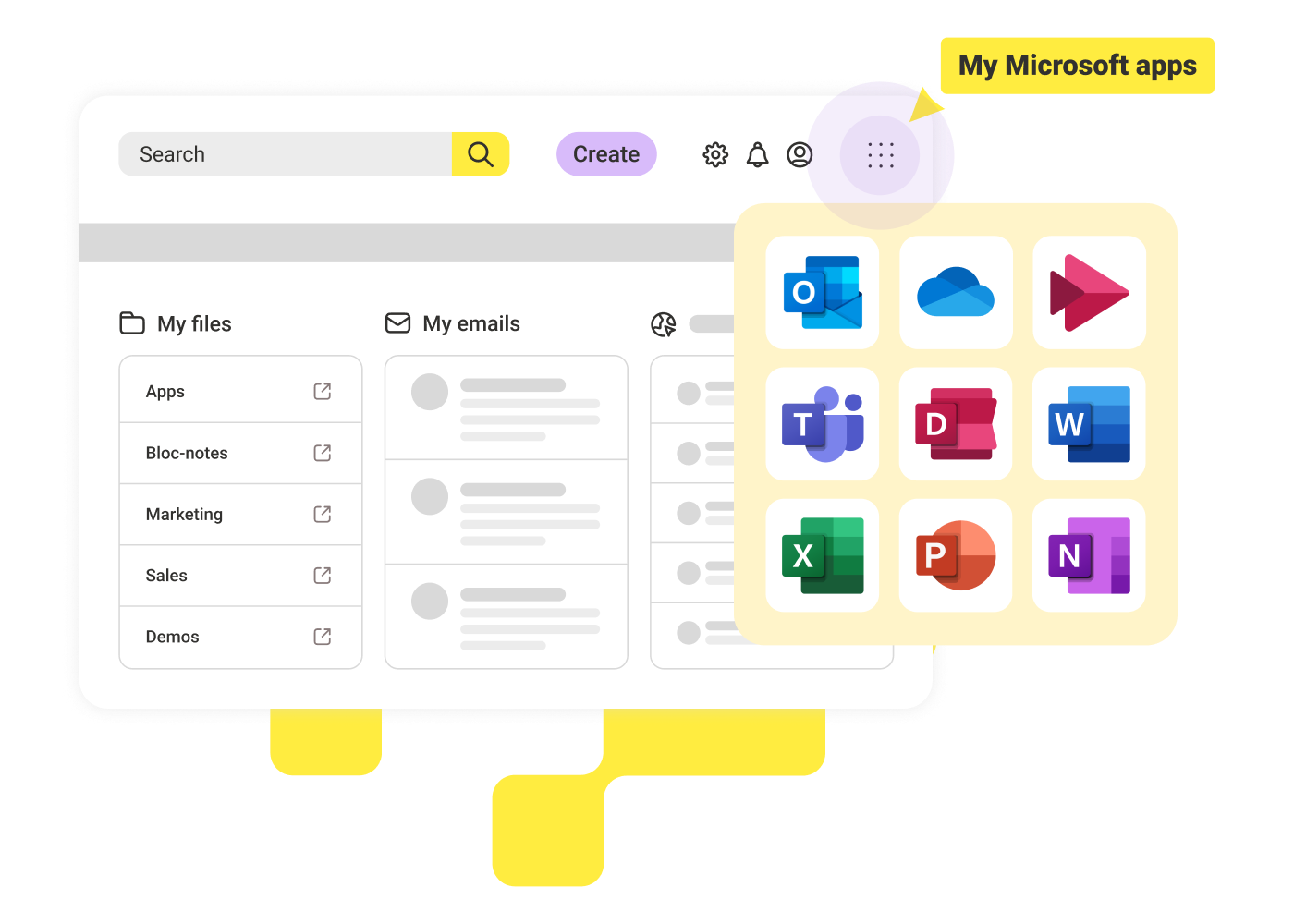
Illustration of a desktop with folders, emails, search bar, and a popup showing Microsoft app icons.

Access everything you need in one place

Integrate Microsoft 365, Google Workspace, and apps like Slack and Zoom so employees can access all their daily tools and resources from a single hub. Share targeted updates through article posts and communities so the right people stay informed.

Dashboard interface showing sign in with Google, Google Workspace icons, and a man working at a computer.

Get the information you need to do your job

Search across your entire ecosystem — including Drive, OneDrive, SharePoint, and intranet content — to find what you need fast. Get a personalized experience that surfaces relevant news and tools based on role, location, and preferences.
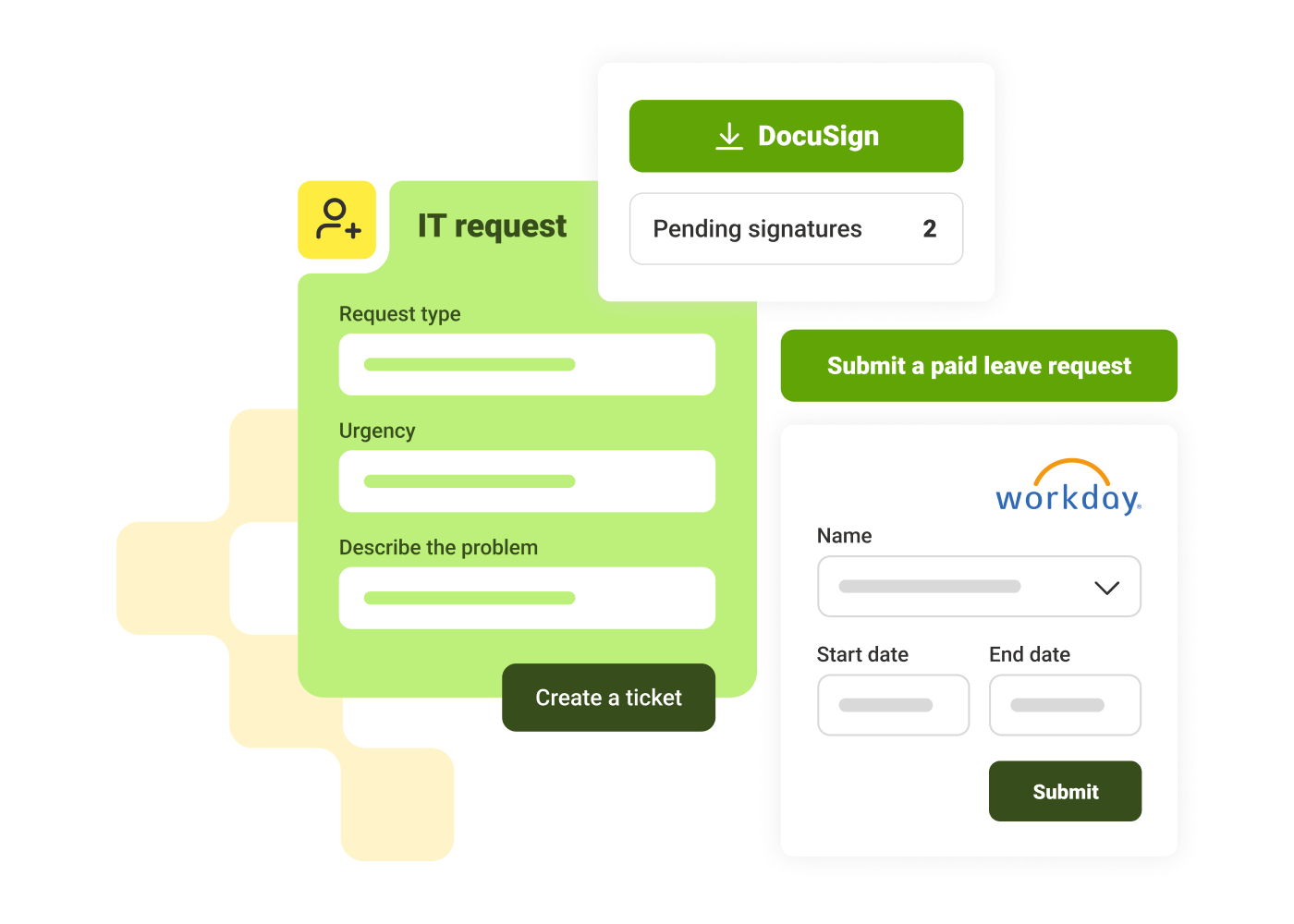
User interfaces for IT request form, DocuSign with 2 pending signatures, and Workday leave request form.

Submit work and manage workflows in one place

Complete digital forms, fill out checklists, and manage approvals in one place. Launch micro-apps for HR and IT self-service directly within the employee hub to complete tasks without switching tools and reduce the volume of support tickets.

Elise Dunham
"I appreciate the LumApps platform for things like menu customization, a strong CMS, and some complexity with how the system works. It hits the right notes for power and customization while still operating in a simple way for the end user."
Elise Dunham
,
Knowledge Manager
at
Zapier
Mark Tittle
"The Kitchen allowed us to drive a clear and consistent message during a time of intense change. It has quickly become part of the 'everyday' for JETers globally who increasingly visit for news, tools and fun, and who regularly use it to share their plans and successes."
Mark Tittle
,
Head of Internal Communications
at
Just Eat Takeway.com
Andy Yates
"As we focus on building out our digital workplace, we think it's important to support new ways for people to work together and share information. We see a future where our tools help bring the information that you need to you, and we are excited to be building towards this, together with LumApps."
Andy Yates
,
Global Head of Ecosystem Development
at
Thoughtworks

Get a personalized demo of the AI Employee Hub — built around how your teams actually work.
Request a demo
Illustration of a female customer service agent with headset, calendar, and notification bell.
Button Text

From our experts and community

Visit Resource Center
June 15, 2026
Blog Post

Why frontline engagement is harder than it looks

Resource Card
June 15, 2026
Blog Post

Internet vs. Intranet vs. Extranet: Key Differences Explained

Resource Card
June 15, 2026
Blog Post

9 Best employee communication apps for enterprises in 2026

Resource Card
Two coworkers talking in an office with one taking notes and another wearing headphones around neck.
Checklist

Is Your Intranet Working? Free Legacy Intranet Checklist

Resource Card
May 29, 2026
Four construction workers in safety gear smiling with orange geometric overlay and checklist icon.
Checklist

How to improve communication and compliance on every job site

Resource Card
May 26, 2026
Event readiness timeline planner
Checklist

Event readiness timeline planner

Resource Card
May 21, 2026
The essential HR checklist for healthcare teams
Checklist

The essential HR checklist for healthcare teams

Resource Card
May 21, 2026
Modern office with a group meeting around a table and one woman sitting on a black chair using a laptop.
Checklist

Internal Communication Strategy

Resource Card
May 26, 2026
Smiling woman in white shirt holding an open sign in a bright coffee shop setting.
Checklist

Must-Have Features for Retailers

Resource Card
May 26, 2026
Two construction workers with helmets, one using a walkie-talkie, the other checking a tablet.
Checklist

Modernizing Communications with Frontline Employees

Resource Card
May 26, 2026
Smiling woman with earbuds uses laptop and holds smartphone at wooden table with coffee cup.
Checklist

Hybrid Work Checklist

Resource Card
May 26, 2026
Smiling man in glasses and checkered shirt working on a laptop at a bright home office desk.
Checklist

Data Driven Employee Experience: The IT Leader's To-Do List for Mastering Analytics

Resource Card
May 26, 2026
Two men fist bumping across a table with laptops, notebooks, and coffee cups in a casual workspace.
Checklist

6 ways to improve collaboration with an intranet

Resource Card
May 26, 2026
Four colleagues engaged in a lively discussion holding papers and notebooks near a laptop and window.
Checklist

7 steps to build the business case for an intranet

Resource Card
May 26, 2026
Three coworkers smiling and discussing work in a modern office with a wooden wall background.
Checklist

Battle of the Intranets: Meta Workplace vs LumApps

Resource Card
May 26, 2026
Man working on laptop at a wooden desk with another laptop, mouse, phone, and coffee mug nearby.
Checklist

Is your SharePoint intranet truly meeting your team’s needs?

Resource Card
May 11, 2026